
Which open-source LLM can you actually run at home?
Open models are free to run. The catch is hardware. Here's what fits a 24GB GPU, a 64GB Mac, or a maxed-out Mac Studio, and exactly where to download it.
BlueFort AI
BlueFort AI
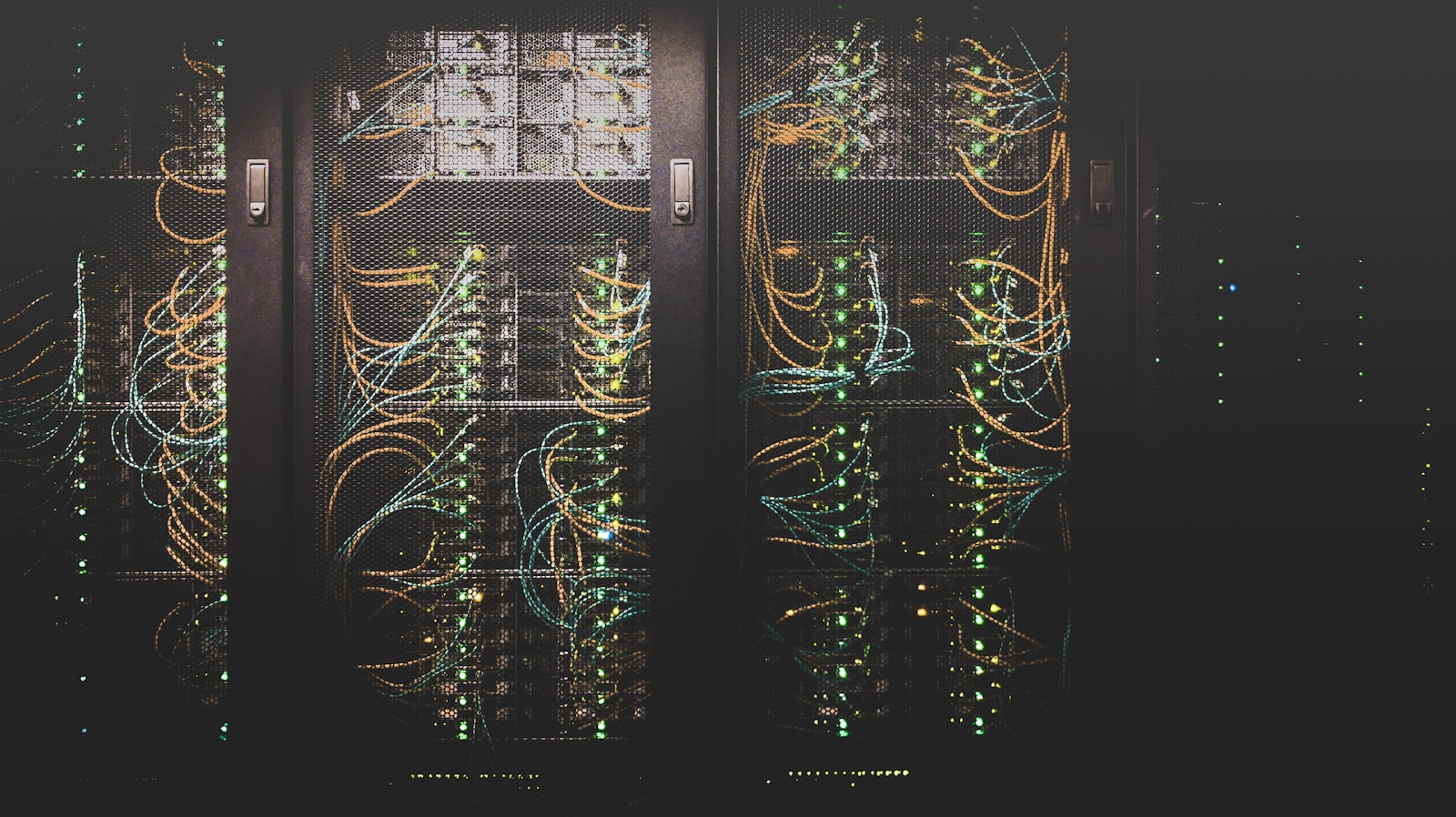
Running a large language model on your own machine used to be a flex. Now it is genuinely practical, and there are real reasons to do it: your data never leaves the house, there are no per-token bills, no rate limits, and no vendor swapping the model out from under you.
The software is the easy part. Ollama or LM Studio will have you chatting with a local model in about five minutes. The hard part, the part nobody tells you up front, is hardware. Specifically, memory.
The one number that decides everything
A model’s weights have to fit in your machine’s memory to run well. At 4-bit quantization (the standard “good enough” setting that barely dents quality), the math is simple:
RAM needed is roughly half the parameter count in GB, plus a few GB of overhead.
A 31B model needs about 21GB. A 671B model needs about 373GB. That is the whole trick. Once you know a model’s size, you know whether your machine can run it.
In plain English: “quantization” just means storing each number in the model with fewer bits. 4-bit is a quarter the size of the original with almost no quality loss, which is why it is the default everyone uses.
Open models live in two different worlds
The current open-weight leaderboard splits cleanly into two tiers.
The runnable-anywhere tier. Dense models from about 7B to 32B. Something like Gemma-4 (31B) needs roughly 21GB at 4-bit, so it fits a single 24GB GPU or any modern Mac with 32GB or more. These are the workhorses: a private home assistant, a coding helper, a chatbot that never phones home.
The big-iron tier. The mixture-of-experts giants that top the rankings (Kimi K2.6, GLM-5.1, DeepSeek V4) are 350B to over a trillion parameters. They need hundreds of GB. They are also genuinely frontier-class, which is the whole reason people chase them.
The trap is assuming the number-one model is the one to run. Often it is not the one your hardware can handle. The smartest model you can actually run beats the smartest model you cannot.
What fits your machine
- A single 24GB GPU (a 4090 or 5090): comfortably runs a strong 30B-class model. This is the sweet spot for most people, full stop.
- A 64 to 128GB Mac: mid-size models and the smaller mixture-of-experts options, with room for long context.
- A maxed-out 512GB Mac Studio: the home-lab dream. You can run the 397B Qwen at 8-bit (about 440GB), or even the roughly 1T Kimi via an aggressive Unsloth dynamic quant (about 400GB). Almost nothing open is out of reach.
That dynamic-quant trick is worth knowing. When a giant model is just over your memory budget at standard 4-bit, an Unsloth dynamic quant squeezes it smaller without wrecking quality. It is how a trillion-parameter model fits a machine it has no business fitting.
Where to actually get them
- Ollama: easiest by far. One command pulls the model and the right quant.
- LM Studio: a friendly app if you would rather click than type.
- Unsloth (GGUF): the dynamic quants that shrink the giants enough to fit.
- MLX: Apple-Silicon-native and fastest if you are on a Mac.
The verdict
For almost everyone, the move is a 30B-class model on a single GPU or a 32GB-plus Mac. It runs fast, it is genuinely smart, and it costs nothing per use. If you own a big-RAM Mac, the frontier giants are within reach through dynamic quants, and they are worth the extra setup if you want the best open model in the world sitting on your desk.
Honest caveat: local hosting is not free in time. You will fiddle with quants and settings. But for privacy, cost, and control, the trade keeps getting better. And if you want a deeper look at what agents can do once you have a capable model running, we broke that down here.
See exactly what fits your hardware
We keep a live ranking of every open model worth running, refreshed daily, with the RAM each one needs and a filter for your exact rig, from a 24GB GPU up to a 512GB Mac Studio. Set it to your machine and you will see in one glance what you can run tonight.
And when you want AI running privately inside a business, not just on your desk, that is exactly what BlueFort IT does for a living.
Want this kind of thinking applied to your business?
BlueFort IT helps you adopt AI safely and put it to work.
Talk to BlueFort IT