
You can now tell every AI company to stop training on your website. Should you?
OpenAI, Google and Microsoft will honor one robots.txt line to block AI training on your website. For most small businesses, the right move is to leave it off.
BlueFort AI
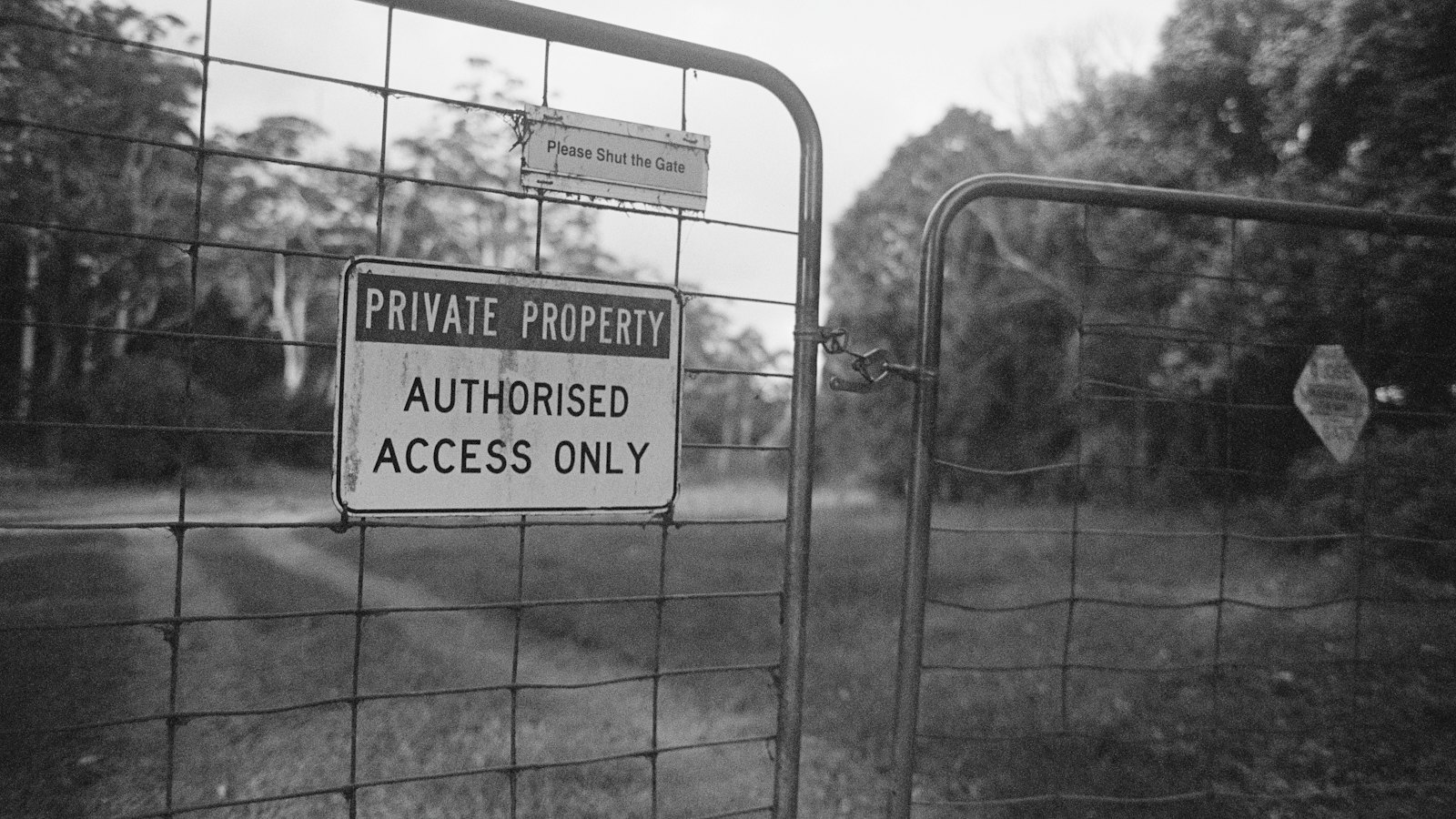
There is now one line you can add to your website to block AI training by OpenAI, Google and Microsoft at once. Should your small business add it? For most of you, no. If your website exists to bring in customers, you want AI to know who you are. The exception is a business whose website content is the product.
Here is what changed, and how to decide in about ten minutes.
What happened on October 30
On Friday, October 30, Google, Microsoft and OpenAI each said they will honor a shared opt-out signal for AI training. It comes from an Internet draft filed the same day with the IETF (the group that writes the rules the internet runs on). The author is an Anthropic engineer, and Anthropic says support across its own services will take some time.
The line goes in your robots.txt file, the small text file every website uses to tell automated visitors what they may do:
User-Agent: __usage_ai-training
Disallow: /
In plain English: “Please do not use anything on this site to train your AI models.” You can carve out exceptions, such as a press page you are happy for AI to learn from.
Before you rush to paste it in, three catches:
- Nobody reads it yet. Microsoft starts on February 1, 2027. Google says sometime in 2027. OpenAI says “in the coming months.”
- It is a request, not a lock. The draft itself says it has “no formal standing” with the IETF yet. Companies that agreed to it will respect it. Everyone else can ignore it.
- The old company-by-company rules still work. OpenAI’s
GPTBotand Google’sGoogle-Extendedsettings carry on alongside the new line.
In plain English: training is not the same as being found
This is the part most coverage skips, and it is the part that matters for your business.
AI uses your website in two different ways:
- Training. The AI reads your pages once, long ago, and they become a tiny part of what it “knows.” No link, no credit.
- Grounding. Someone asks a question today, the AI looks up live pages to answer it, and it can name or link your business. In plain English: this is AI search.
The new line only covers training. Microsoft handles grounding with a separate page-level setting, and it warns plainly that blocking grounding “reduces brand visibility in AI experiences.” OpenAI also keeps them apart: GPTBot is for training, while OAI-SearchBot decides whether you show up in ChatGPT search.
The catch is Google. Google says if you use the new opt-out and do not mention Google-Extended separately, it will treat you as having blocked Google-Extended. That one setting covers both Gemini training and appearing in answers inside the Gemini app. So with Google, blocking training can also quietly take you out of Gemini’s answers. Regular Google Search is not affected.
What this means for you
Your plumbing company’s homepage is not a secret. It is a brochure. You want every AI to know that you exist, what you do, where you work and what people say about you. When a customer asks ChatGPT or Gemini “who fixes boilers near me,” you want to be in the answer. We wrote a whole guide on how to get your business recommended by ChatGPT, and blocking AI from your site works against all of it.
So split it by what your website actually does:
Leave AI training on if your site is mainly service pages, location pages, contact details, reviews and a blog meant to attract customers. That covers most trades, clinics, agencies, shops and professional firms.
Consider blocking it if your content is what people pay for: paid courses, recipes in a cookbook business, original research, a photographer’s portfolio, premium guides. AI that has learned your work can hand it out for free.
Then do this, this week:
1. Look at your current file. Type yourwebsite.com/robots.txt into a browser. You may already be blocking AI without knowing it. Website builders, security plugins and Cloudflare’s AI crawler settings can all add these rules for you. A block on OAI-SearchBot or PerplexityBot is hiding you from AI search, not just from training.
2. Make one decision, on purpose. Write it down: “We allow AI training” or “We block it, and here is why.” Whoever runs your website should know the answer.
3. If you block, be precise. Add the new line for training. Keep search bots like OAI-SearchBot allowed. Accept that for Gemini, you are trading away some visibility.
4. Do not expect miracles. This only stops future training, by companies that chose to honor it, starting next year. Anything already collected stays collected.
If you run a site at home, the same logic applies. A personal blog that you want people to find should stay open. A hobby archive you would rather keep to yourself is a fair candidate for the new line.
My take
This is a good change, and a slightly overdue one. One shared line beats tracking a dozen crawler names that change every few months. Credit where due: the biggest AI companies agreeing on anything is rare.
But the headlines frame it as “take back control of your content,” and for a small business that is the wrong instinct. The real risk for most of you is not that AI learns about your business. It is that AI never hears of you, and recommends the competitor down the road instead.
The verdict
Skip it, for most businesses. If your website is there to win customers, let AI read it. Worth it only if your content is the product, and even then, block training and leave search open.
If you want a hand checking what your website is actually telling AI right now, and fixing it in one sitting, that is BlueFort IT’s day job. For a bigger picture of who holds the switches on the AI you depend on, read why someone else can switch off the AI your business runs on.
Get the AI signal, not the noise.
One short email when something in AI actually matters for your business. No hype, no spam, unsubscribe anytime.
We use your email for this newsletter and nothing else. How we handle it.
Where would AI save your team real time?
The free AI Opportunity Check from BlueFort IT finds the hours AI could give back to your team each week. Rough numbers are fine.
Get your free AI Opportunity Check